
Meet.
Connect.
Collaborate.
NCHUA brings people together wherever they are. High-quality meetings, smart collaboration, and AI-powered insights — all in one place.
No credit card required
Prefer a native app, or want the Download / Pricing pages directly? Download NCHUA or view pricing.





Works Anywhere
Global Reach
Up to 500 Participants
Meeting Size
HD, Low-Latency
Video & Audio
Enterprise-Grade
Security

“NCHUA brings our distributed team together without the overhead of the tools we used before.”
An NCHUA team lead






A global collaboration platform, built around people
Meet
High-quality video and audio that adapts to each participant's connection automatically — from a laptop in a fast office to a phone on a train.
Connect
Reach anyone, anywhere. Guests join from a link with no install, and NCHUA keeps the call alive as connections come and go.
Collaborate
Chat, share your screen, and keep a room and remote participants in the same conversation, without switching tools.
AI
Automatic transcripts and meeting summaries turn what was said into something you can search, share, and act on later.
Enterprise
Organizations, teams, and host controls for companies that need more structure than a single account and a single host.
Why NCHUA?
NCHUA isn't a meeting app with calling bolted on. It's one communications ecosystem — meetings, calling, and the infrastructure behind them — built to run wherever you need it to.
One Ecosystem
Meetings and calling share the same account, the same extension, and the same admin console — not separate logins for separate vendors.
Flexible Deployment
Run in NCHUA's cloud, or deploy the same communications core yourself with Virtual Core or a Physical Core appliance.
Built for Real Network Conditions
Low Bandwidth Mode automatically reduces video quality to keep a call alive on a weak connection, preserving audio first.
Open Standards
Meetings run on standard WebRTC. Calling runs on standard SIP — bring your own desk phones or SIP trunk provider instead of being locked into ours.
Focused Design
Every screen is built around the task in front of you, not a sidebar of features you'll never open.
Full Control
On a Physical Core appliance or a Virtual Core deployment, your meeting and call data never leaves infrastructure you manage.
See NCHUA in action
Real screens from the actual product — not mockups.
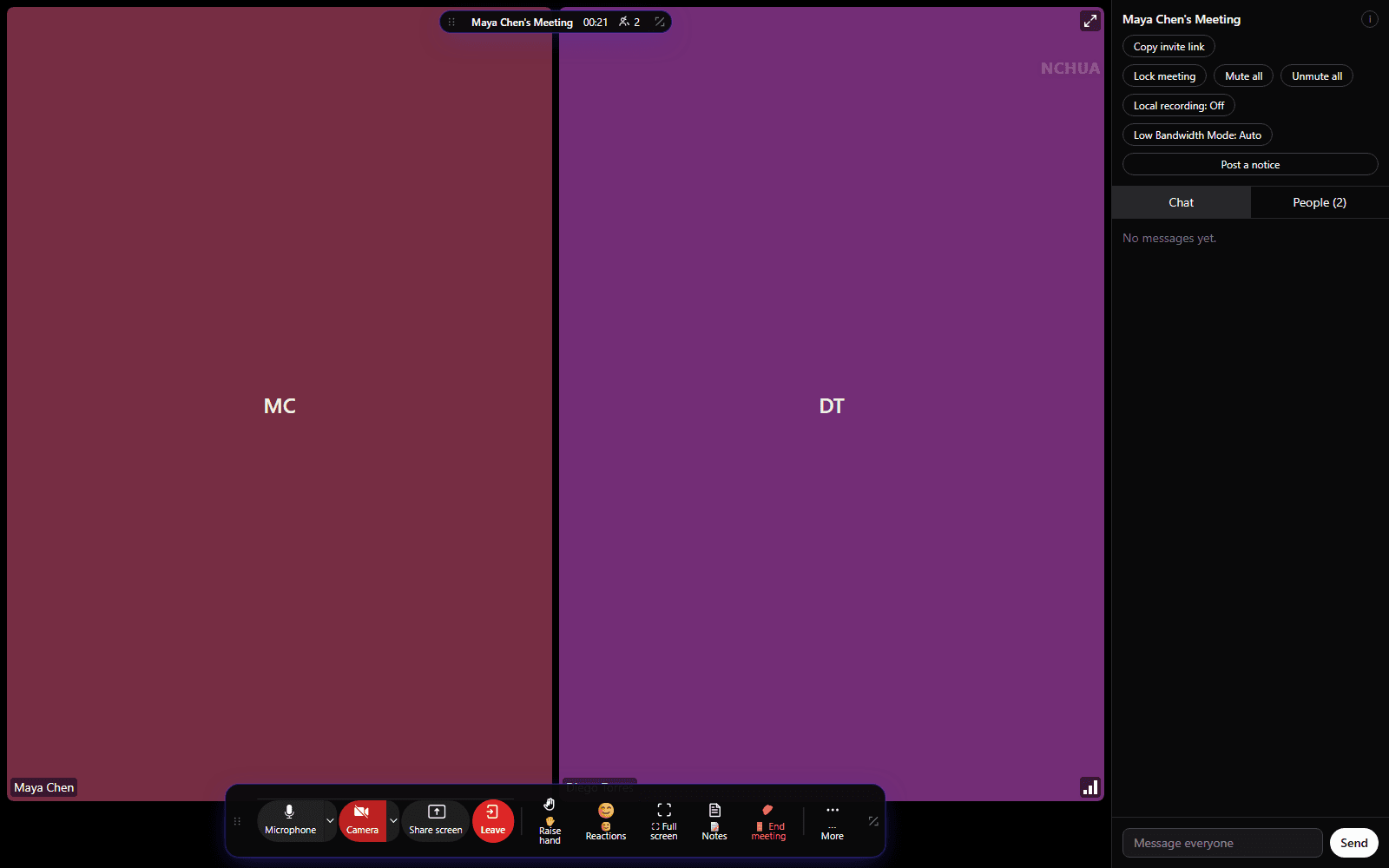
A meeting room that gets out of the way
Gallery and speaker views, clean top and bottom toolbars, and full-screen mode — so the controls are there when you need them and out of the way when you don't.
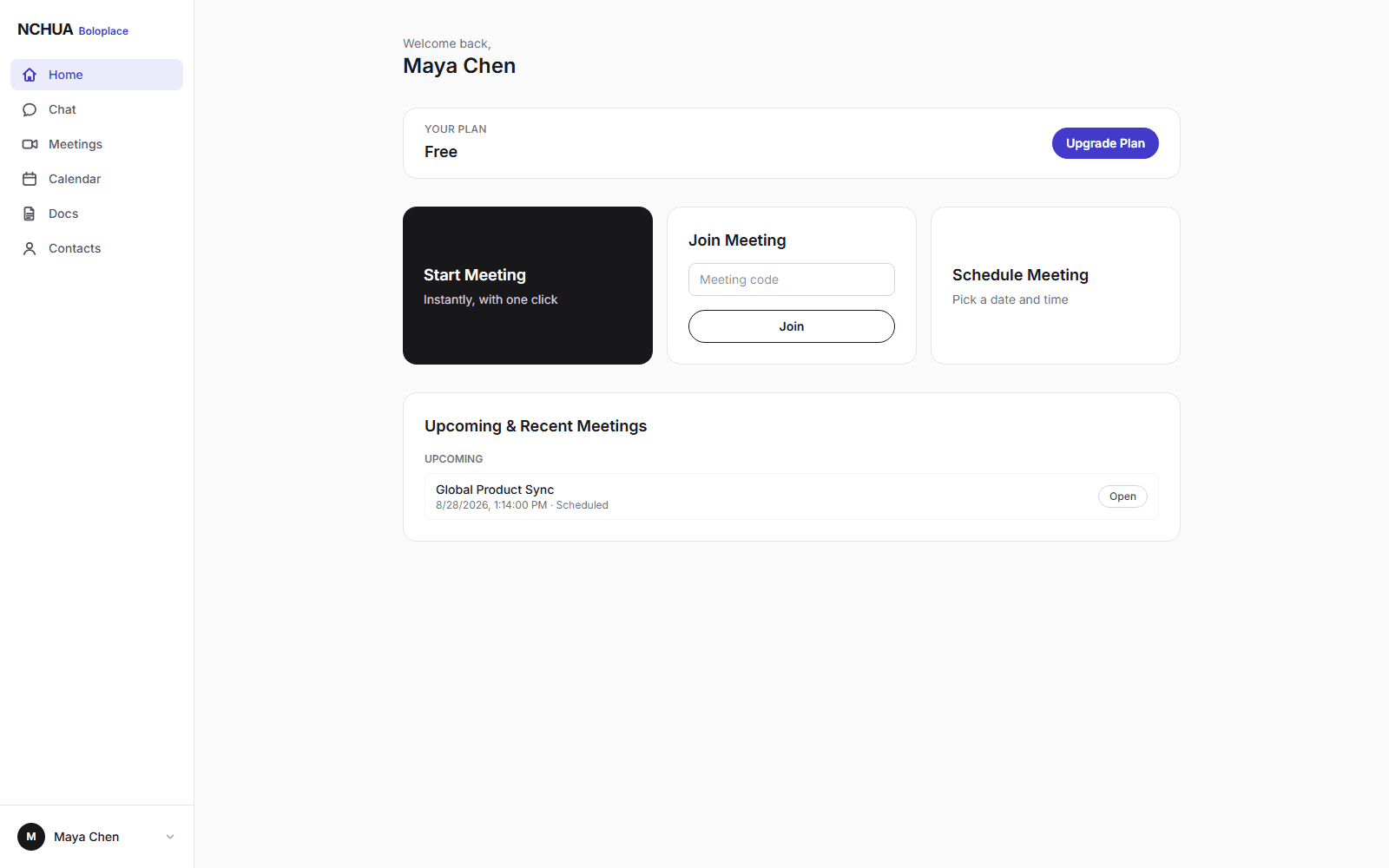
Start, join, or schedule in one click
Start a meeting instantly, join with a code, or schedule one ahead of time with an optional password and waiting room.
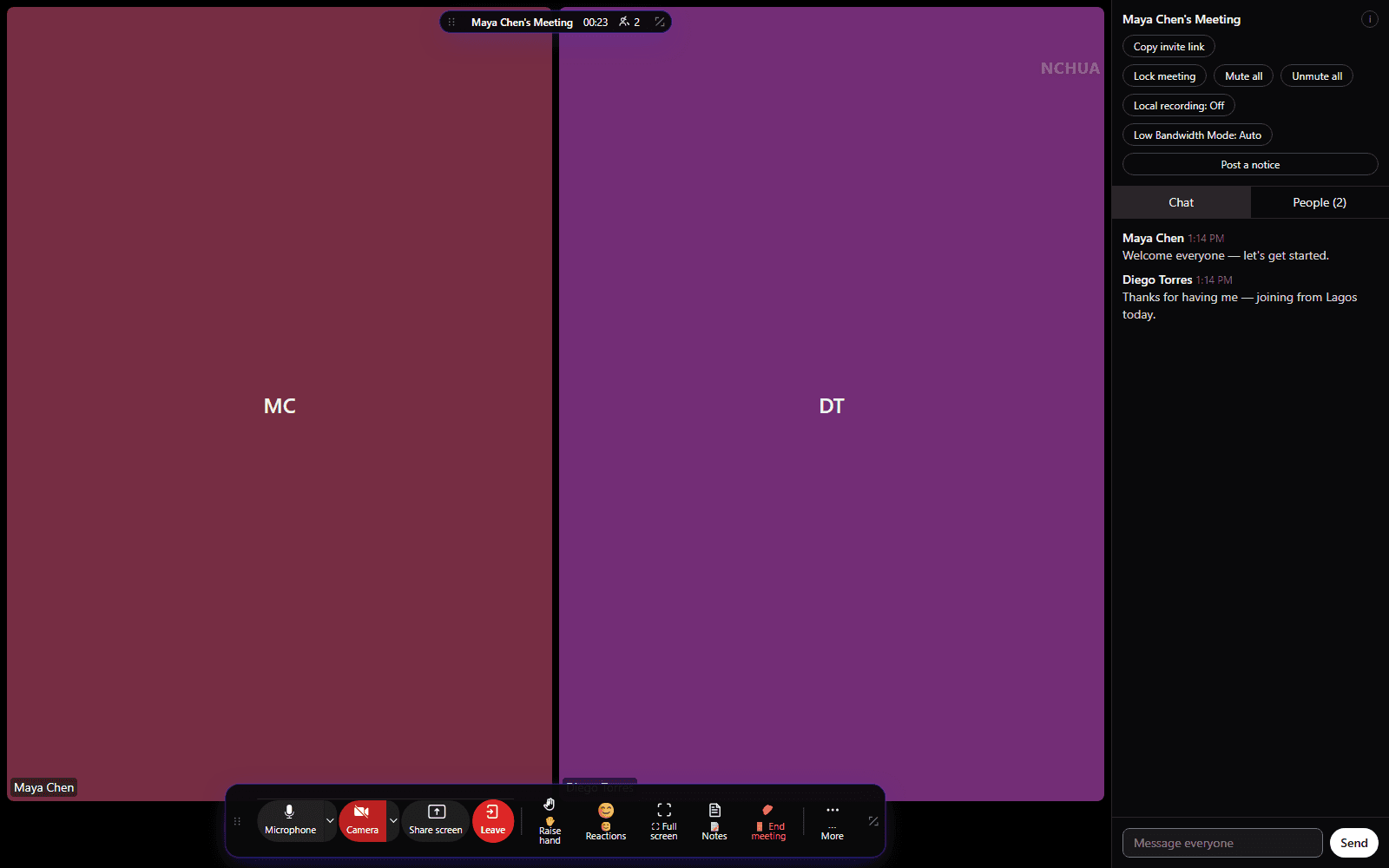
Chat without leaving the call
A live chat panel stays open beside the meeting, so a shared link or a quick note never interrupts the conversation.
Record the conversation
Start and stop recording from the meeting toolbar, with a clear on-screen indicator for everyone.
Automatic transcription
Completed recordings are transcribed automatically, so a meeting becomes something you can search.
AI meeting summaries
Key points and a summary are generated from the transcript once the recording finishes.
Appliances and IP phones, built for NCHUA
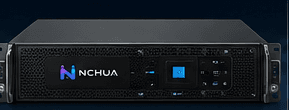
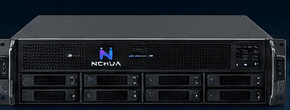
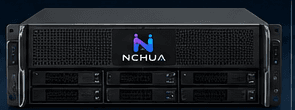
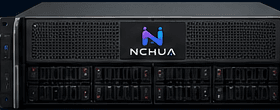
From a compact small-business appliance to a data-center-class cluster, plus a full lineup of IP phones that auto-provision the moment they're plugged in.
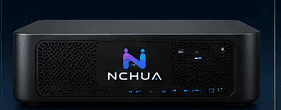
NCHUA CORE 100
Small Business Appliance
- Up to 50 users
- 25 concurrent meetings
- 50 concurrent calls
NCHUA CORE 300
Growing Business Appliance
- Up to 250 users
- 75 concurrent meetings
- 150 concurrent calls
NCHUA CORE 700
Enterprise Appliance
- Up to 1,000 users
- 200 concurrent meetings
- 500 concurrent calls
NCHUA CORE 1500
Large Enterprise Appliance
- Up to 3,000 users
- 500 concurrent meetings
- 1,000 concurrent calls
NCHUA CORE 3000
Data Center Appliance
- Up to 10,000+ users
- 1,500 concurrent meetings
- 3,000 concurrent calls
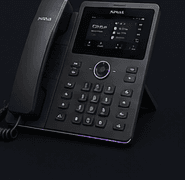
NCHUA 7802
Essential IP Phone
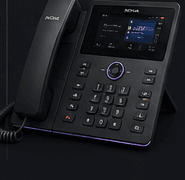
NCHUA 7803
Business IP Phone
- 3.5" colour display
- 2 line keys
- HD audio
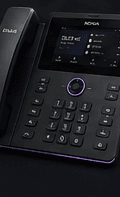
NCHUA 7804
Executive IP Phone
- 4.3" colour display
- 8 line keys
- HD audio
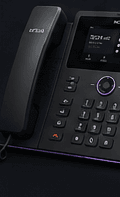
NCHUA 7805
Advanced IP Phone
- 5" colour display
- 16 line keys
- HD audio
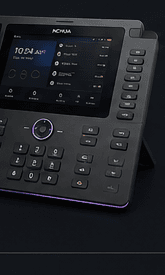
NCHUA 7806
Executive Touch Phone
- 7" touchscreen
- 24 line keys
- HD audio
Deploy NCHUA your way.
The same NCHUA experience, whichever infrastructure fits your organization.
On-Premises / Private Infrastructure
Run the same communications core in your own cloud account, private infrastructure, or on dedicated NCHUA hardware.
Talk to SalesEverything you need for professional meetings
Meet
HD Video & Audio
Adaptive video and audio built on WebRTC, tuned automatically to each participant's connection.
Screen Sharing
Share your entire screen, a single application window, or a browser tab.
Low Bandwidth Mode
Automatically detects a weakening connection and steps down video quality — never audio — to keep the meeting stable.
Connect
Meeting Chat
Real-time chat alongside the call, visible to everyone in the meeting.
Scheduling
Start a meeting instantly or schedule one ahead of time, with an optional password and waiting room.
Cross-Platform
Join from any modern browser on desktop or mobile — no plugin required.
Secure
Waiting Room & Host Controls
Admit participants one by one, mute or remove anyone, and lock a meeting once everyone's in.
Secure by Design
Non-guessable meeting links, hashed passwords, and host-enforced participant permissions.
Simple, affordable pricing
Free
$0/month
Basic
$8/month
Most popular
Medium
$14.60/month
Unlimited Meetings
$20/month
Frequently asked questions
Do participants need to create an account to join?
No. Unless the host requires authentication, anyone with the meeting link can join as a guest by entering their name.
What happens if my connection gets weak mid-meeting?
NCHUA preserves audio first. It automatically reduces video quality, and only pauses incoming video as a last resort — restoring everything once your connection recovers.
Is there really a free plan, or is it a trial?
Free is a real plan, not a time-limited trial: up to 100 participants and unlimited meetings, capped at 50 minutes per meeting.
Which devices and browsers are supported?
Any modern browser — Chrome, Edge, Firefox, or Safari — on Windows, macOS, Linux, Android, or iOS. See the Download page for what's available today.
Ready to get started?
Create a free NCHUA account and start your first meeting in minutes.